PixMe — modern pixel art editor
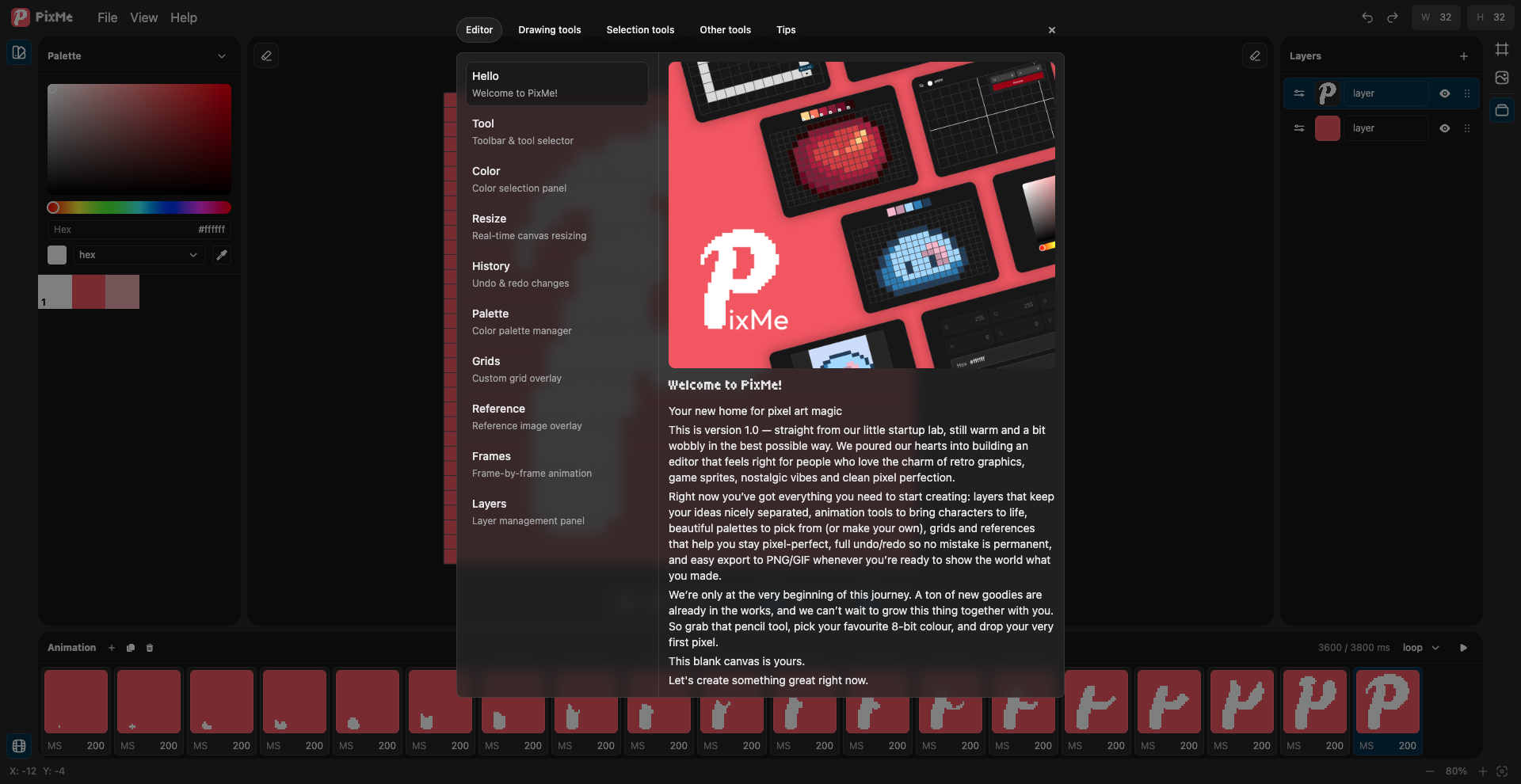
PixMe is a fresh take on pixel art editors. It’s not just another tool with a long feature list — it’s a product designed to feel right from the very first click. Whether you’re an indie game developer, pixel artist, animator, or someone who simply loves sprites, retro visuals, and clean pixel precision, PixMe is built to become your creative home.
The project was born in a small startup lab with a clear goal: to create a pixel art editor you actually enjoy using for hours. No bloated interfaces. No fighting the tools. No constant context switching. PixMe is about staying in flow, where the editor disappears and your ideas take over.
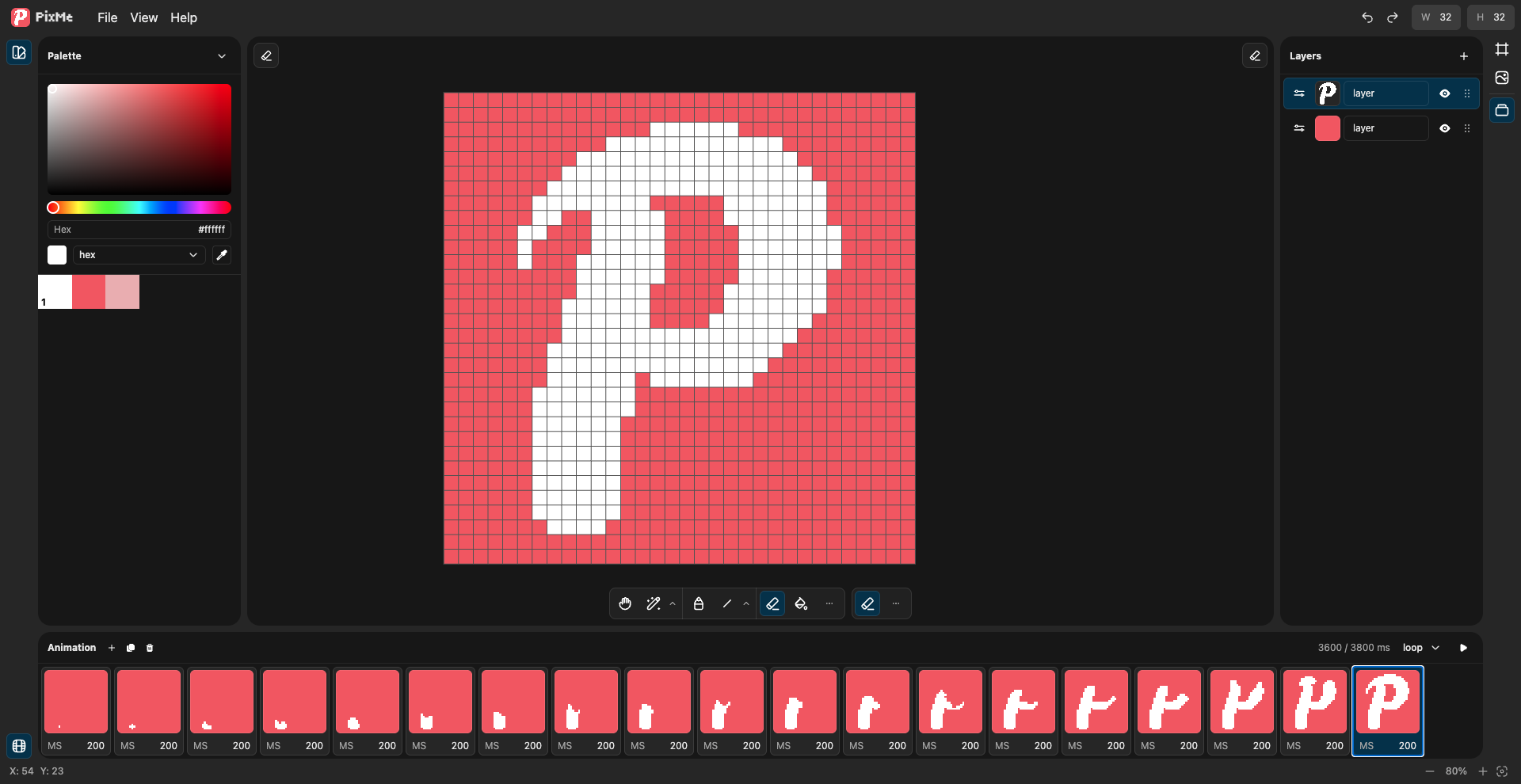
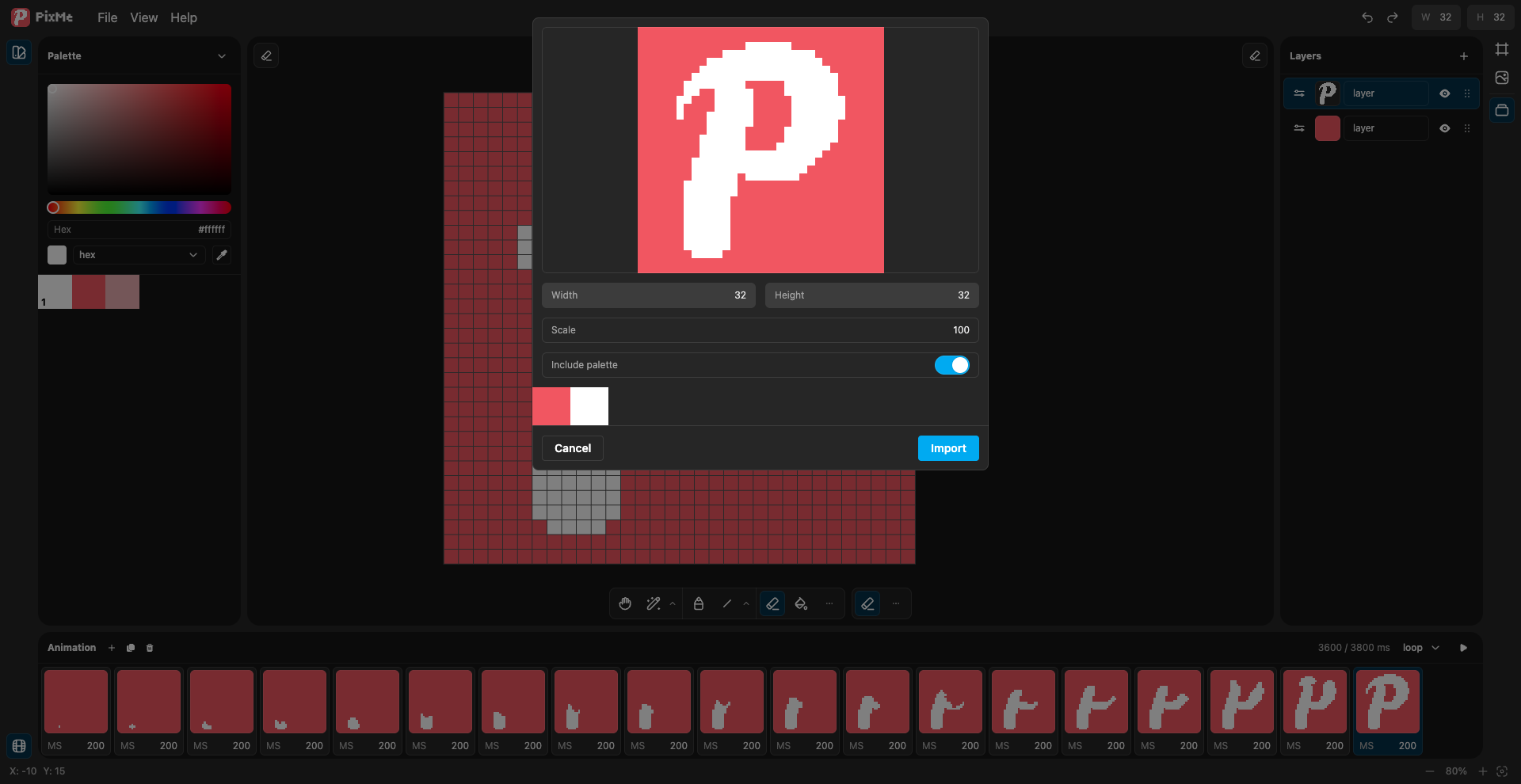
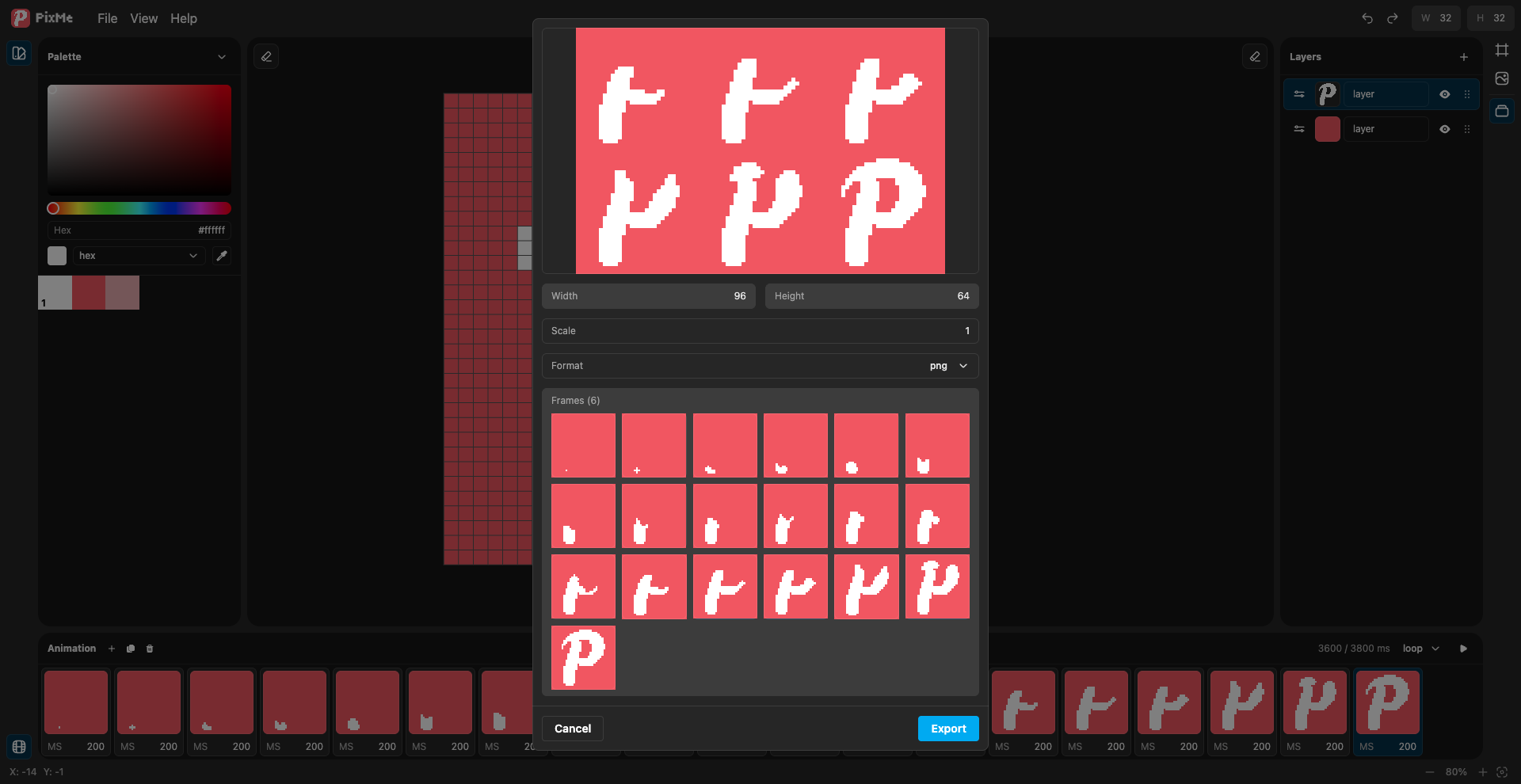
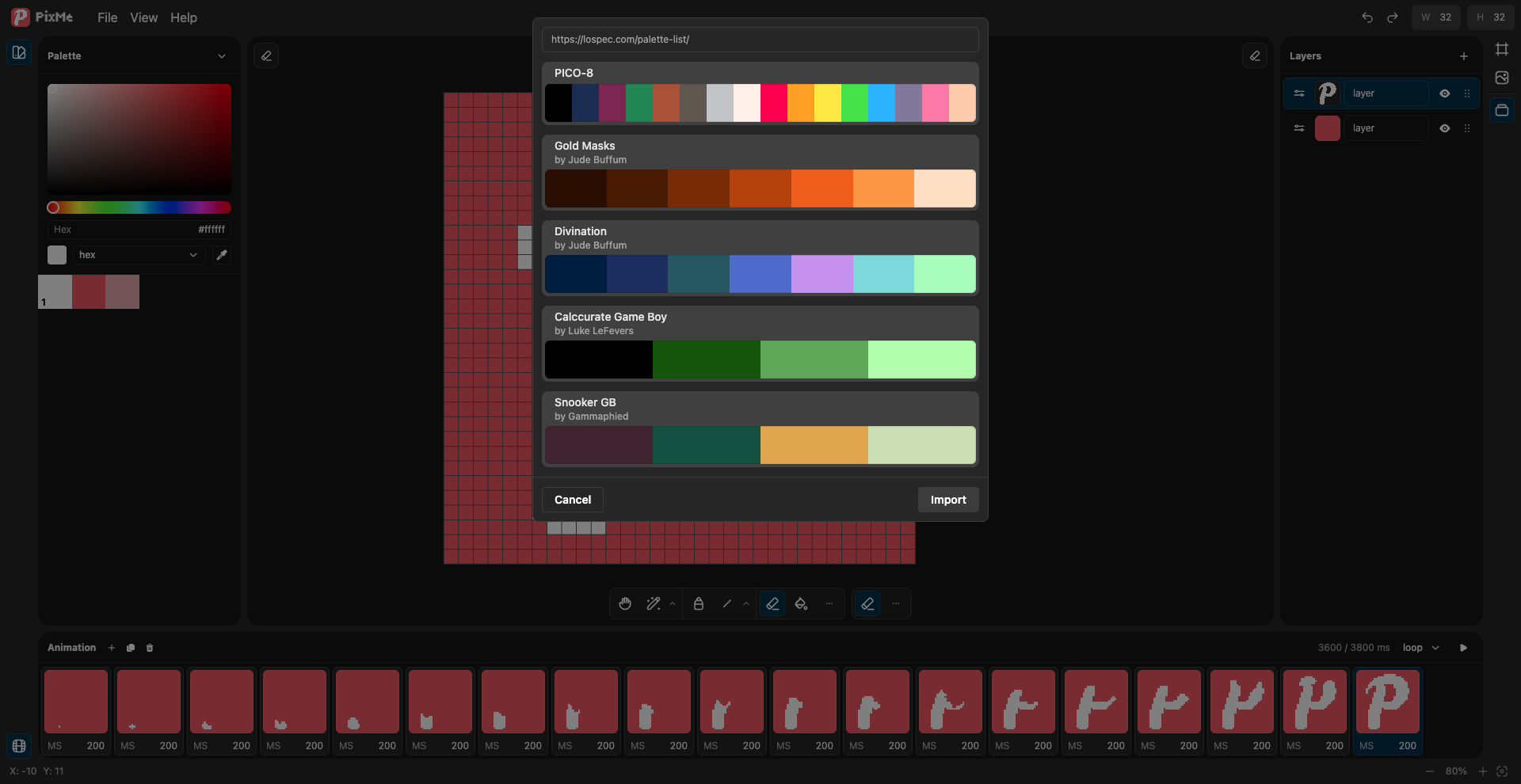
This is version 1.0, and we treat it honestly as the beginning of a much bigger journey. Right now, PixMe already provides everything you need for serious pixel art work: layers, frame-by-frame animation, powerful palette management, shading workflows, grids, references, full history, and easy export to PNG and GIF. But the real strength of PixMe isn’t just what it can do — it’s how smoothly all these pieces work together.
A lot of thought went into workflow design. Many actions that usually require keyboard shortcuts in other editors can be done directly with the mouse here. PixMe is intentionally comfortable to use with just one hand. This makes it faster, more accessible, and surprisingly relaxing — especially when working on sprites, tilesets, or animations where precision matters.
PixMe is ideal for creating game sprites, pixel art animations, tilesets, icons, UI elements, and retro-style graphics. Color work is one of its strongest areas: palettes can be built automatically from artwork, imported from images, or loaded from community-trusted sources. The shading system lets you sculpt light and shadow directly while drawing, without constantly switching colors or breaking concentration.
We’re building PixMe together with the community. This isn’t a closed or finished product — it’s a living startup that grows through real feedback from artists and developers. New tools, animation improvements, deeper palette control, and even smoother workflows are already on the way.
If you’re looking for a pixel art editor that doesn’t try to do everything, but instead focuses on doing the right things exceptionally well — give PixMe a try. Open a blank canvas, pick your favorite 8-bit color, and place your very first pixel.
This is only the beginning. And it’s already here.
Comments
Log in with itch.io to leave a comment.
Finally, someone is tackling the issue of cluttered interfaces in pixel art. Most tools today are unintuitive, over-engineered, and frankly outdated. I really hope PixMe becomes that modern, sleek service that solves the endless frustrations artists face. I’m backing this project(50$) with pleasure - I truly believe it’s the start of something big. Best of luck to the team!
Wow, I can finally drink my coffee and draw. Tnx to developers :3